
The Apple Pencil Pro isn’t just a stylus; it’s an extension of your imagination. Engineered to push the boundaries of what’s possible on an iPad, this “Pro” model introduces a suite of advanced sensors that make drawing, note-taking, and navigating iPadOS feel more natural than ever. Whether you are a professional illustrator in Kampala or a student at Makerere University, the Apple Pencil Pro transforms your iPad into a versatile digital canvas. Key Features & Benefits Revolutionary Squeeze Gesture: A new sensor in the barrel allows the Apple Pencil Pro to sense when you squeeze it. This instantly brings up a tool palette on your screen, allowing you to switch tools, line weights, and colors without ever interrupting your flow. Precise Barrel Roll Control: Thanks to an integrated gyroscope, you can now rotate the Apple Pencil Pro to change the orientation of shaped pen and brush tools—just like a real pen on paper. This is a game-changer for calligraphers and concept artists. Intuitive Haptic Feedback: Feel your work. A custom haptic engine provides a subtle pulse when you squeeze the barrel or double-tap, confirming your actions so you can stay focused on your creation. Apple Pencil Hover: Preview exactly where your pencil will touch down before you make a mark. See a virtual shadow of your tool on the display, allowing for unmatched accuracy in sketching and illustrating. Find My Integration: For the first time, you can easily locate your Apple Pencil Pro using the Find My app . If it slips between the couch cushions or stays behind at the office, you can find its last known location with ease. Magnetic Pairing & Charging: No cables, no clutter. The Apple Pencil Pro attaches magnetically to the side of your compatible iPad to pair and charge automatically. Technical Specifications Feature Details Connectivity Bluetooth / Magnetic Connector Charging Wireless (Magnetic attachment to iPad) Length 166 mm (6.53 inches) Diameter 8.9 mm (0.35 inches) Weight 19.15 grams Sensors Pressure, Tilt, Squeeze, Gyroscope (Barrel Roll) System Req. iPadOS 17.5 or later

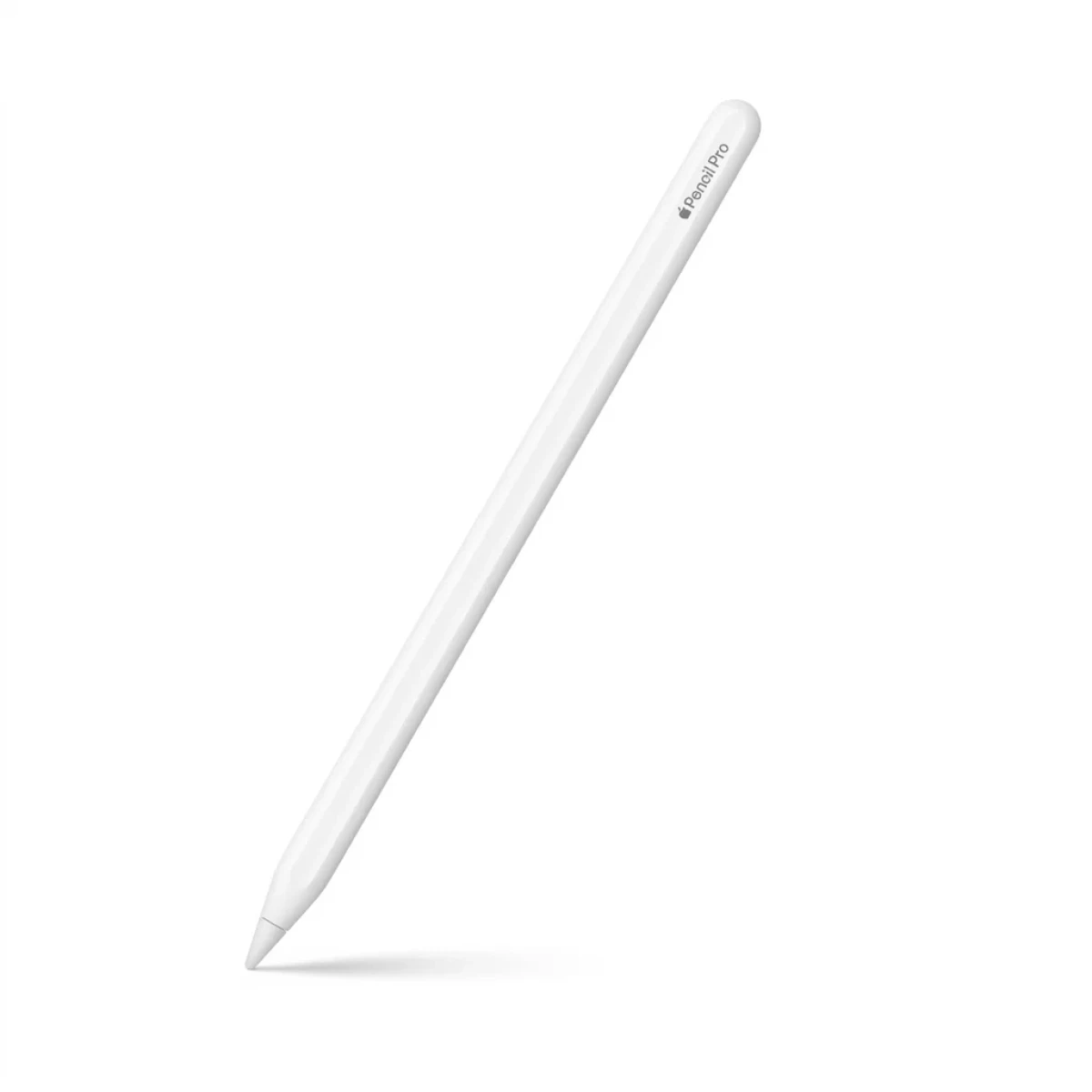
Apple Pencil Pro
The Apple Pencil Pro isn’t just a stylus; it’s an extension of your imagination. Engineered to push the boundaries of what’s possible on an iPad, this “Pro” model introduces a suite of advanced sensors that make drawing, note-taking, and navigating iPadOS feel more natural than ever. Whether you are a professional illustrator in Kampala or a student at Makerere University, the Apple Pencil Pro transforms your iPad into a versatile digital canvas. The Apple Pencil Pro isn’t just a stylus; it’s an extension of your imagination. Engineered to push the boundaries of what’s possible on an iPad, this “Pro” model introduces a suite of advanced sensors that make drawing, note-taking, and navigating iPadOS feel more natural than ever. Whether you are a professional illustrator in Kampala or a student at Makerere University, the Apple Pencil Pro transforms your iPad into a versatile digital canvas. Key Features & Benefits Revolutionary Squeeze Gesture: A new sensor in the barrel allows the Apple Pencil Pro to sense when you squeeze it. This instantly brings up a tool palette on your screen, allowing you to switch tools, line weights, and colors without ever interrupting your flow. Precise Barrel Roll Control: Thanks to an integrated gyroscope, you can now rotate the Apple Pencil Pro to change the orientation of shaped pen and brush tools—just like a real pen on paper. This is a game-changer for calligraphers and concept artists. Intuitive Haptic Feedback: Feel your work. A custom haptic engine provides a subtle pulse when you squeeze the barrel or double-tap, confirming your actions so you can stay focused on your creation. Apple Pencil Hover: Preview exactly where your pencil will touch down before you make a mark. See a virtual shadow of your tool on the display, allowing for unmatched accuracy in sketching and illustrating. Find My Integration: For the first time, you can easily locate your Apple Pencil Pro using the Find My app . If it slips between the couch cushions or stays behind at the office, you can find its last known location with ease. Magnetic Pairing & Charging: No cables, no clutter. The Apple Pencil Pro attaches magnetically to the side of your compatible iPad to pair and charge automatically. Technical Specifications Feature Details Connectivity Bluetooth / Magnetic Connector Charging Wireless (Magnetic attachment to iPad) Length 166 mm (6.53 inches) Diameter 8.9 mm (0.35 inches) Weight 19.15 grams Sensors Pressure, Tilt, Squeeze, Gyroscope (Barrel Roll) System Req. iPadOS 17.5 or later View More
Related Products

Go Des GD-B616 Universal Travel Adapter
Original price was: 150,000 UShs.100,000 UShsCurrent price is: 100,000 UShs.
Porodo Soundtec Auraband Neckband ENC Earphones
Original price was: 200,000 UShs.120,000 UShsCurrent price is: 120,000 UShs.

Oraimo Open-Circlet 2 Open-Ear Headphones
Original price was: 200,000 UShs.160,000 UShsCurrent price is: 160,000 UShs.
Reviews
There are no reviews yet.